Centralized Endpoint Management with CtrlOne
By CtrlOne Team ·
When you have a handful of PCs, you can walk to each one. When you have dozens or hundreds spread across sites and homes, that stops working. Centralized endpoint management is the answer: one console that sees every device, applies the same rules everywhere, and records what changed. It is how a small team keeps control when the machines are scattered. This post explains what centralized management really means, the problems it solves, and how CtrlOne delivers it for Windows fleets without a large security team.
What centralized endpoint management means
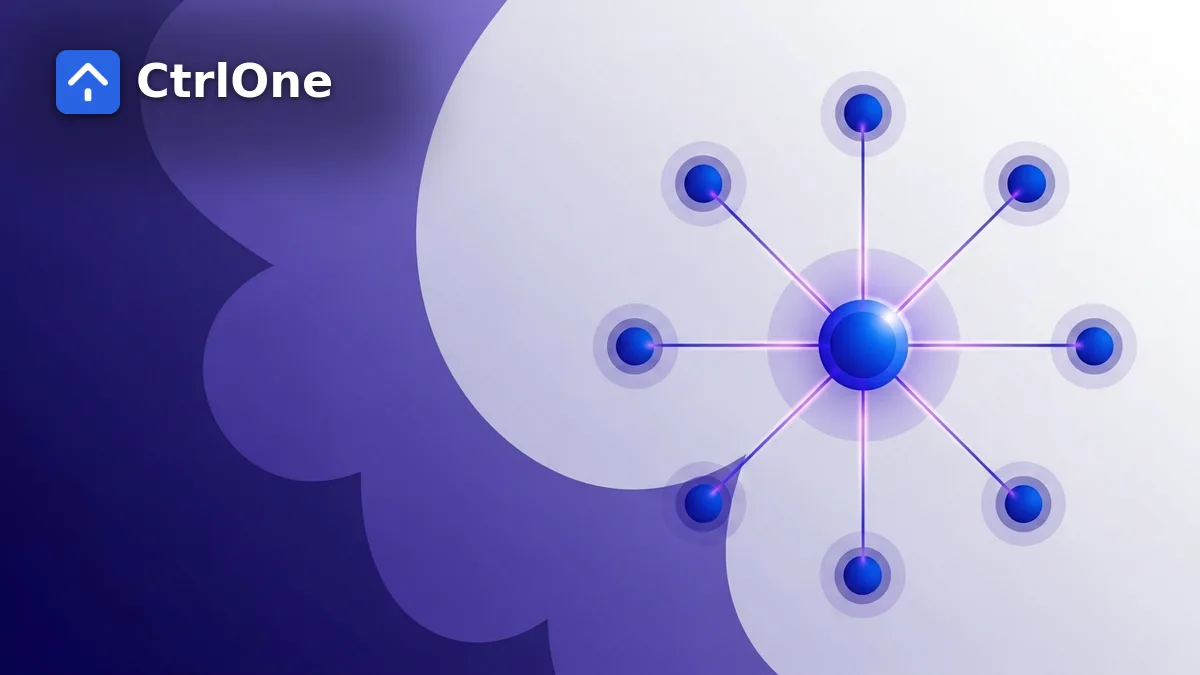
Centralized endpoint management is the practice of controlling all your devices from a single place instead of configuring each one by hand. A lightweight agent on each PC reports to a central console, and policies defined once are pushed out to every enrolled device.
The point is consistency and speed. You set the rule once, and it applies everywhere the same way - whether the device is in the office, at a branch, or at someone's kitchen table.
- One console defines rules for every device.
- An agent on each PC applies policy and reports status.
- Changes reach the whole fleet without visiting machines.
The cost of managing device by device
Without central management, every change is a manual chore. Someone remotes into each machine, repeats the same steps, and hopes they did not miss one. Settings drift, some PCs get the update and some do not, and nobody has a clear picture of the whole fleet.
That approach does not just waste time - it leaves gaps. A single machine that missed a lockdown step can be the one that leaks data or runs something it should not.
- Repeated manual work on every machine.
- Configuration drift as settings fall out of sync.
- No single view of which devices are compliant.
- Easy to miss a PC, and the missed one is the risk.
What you gain from a single console
Centralizing management turns a pile of individual machines into one manageable fleet. You get a live view of every device, the ability to apply a policy to a whole group at once, and confidence that the same baseline is in force everywhere.
It also makes people faster. New team members can manage the fleet from named controls instead of learning the quirks of each machine, and handovers stop depending on one person's memory.
- A live view of every device in one place.
- Apply a baseline to a group in a single action.
- Consistent policy everywhere, with less drift.
- Faster onboarding for new team members.
Group devices so policy scales
Not every device should have the same rules. Central management works best when you group machines by role - kiosks, lab PCs, finance workstations, general staff laptops - and give each group the policy that fits its job.
Once the groups exist, scaling is easy. A new machine joins the right group and inherits the correct policy immediately, so growth does not mean more manual setup.
- Group by role: kiosks, labs, finance, general staff.
- Each group gets a right-sized policy.
- New devices inherit the correct baseline automatically.
Change safely with versioning and audit
Central control is only comfortable if changes are reversible. CtrlOne versions every policy and snapshots it on each edit, so a change that causes trouble is one click to roll back rather than a manual reconstruction.
The console also keeps an audit trail of what was applied and when. That record helps with troubleshooting, team handovers, and showing exactly how a device is configured when someone asks.
How CtrlOne centralizes your fleet
CtrlOne is endpoint management software that gives you a single console for your Windows devices. From it you apply a lockdown baseline, control USB and removable storage, restrict which applications run, and keep a live software inventory - all without touching each PC.
Because the agent checks in over whatever network it has, standalone and roaming devices are managed the same as domain-joined ones. Multi-tenant support, roles, and per-tenant SSO let larger organizations and service providers manage many groups of devices cleanly from the same platform.
- Lockdown, device control, and app control from one console.
- Manages domain-joined, standalone, and roaming devices alike.
- Multi-tenant with roles and per-tenant SSO for scale.
Frequently asked questions
What is centralized endpoint management?
It is managing all your devices from one console instead of configuring each machine by hand. Policies are defined once and pushed to every enrolled device, so the same rules apply everywhere and you get a single view of the fleet.
How is it better than remoting into each PC?
Remoting into machines is manual, slow, and easy to get wrong, which causes settings to drift and leaves gaps. A central console applies changes to the whole fleet at once, keeps devices consistent, and shows you which machines are compliant.
Can CtrlOne manage devices across different sites?
Yes. The agent checks in to the console over the network it has, so devices at branches, at home, and on the corporate LAN are all managed the same way from one place.
Is centralized management only for large companies?
No. Small teams often gain the most, because one person can control a whole fleet from the console instead of visiting machines. Multi-tenant support and roles also make it work for larger organizations and service providers.
Run your whole fleet from one place
See how CtrlOne centralizes Windows endpoint management so a small team can apply, audit, and roll back policy across every device.