How Device Control Improves Corporate Security
By CtrlOne Team ·
Every USB port on a company machine is a door - one that data can leave through and malware can enter through. Device control software decides which of those doors stay open, for whom, and in which direction. It is one of the highest-impact, lowest-friction ways to improve corporate security, because it stops whole categories of risk at the moment a device is plugged in rather than trying to detect the damage afterwards.
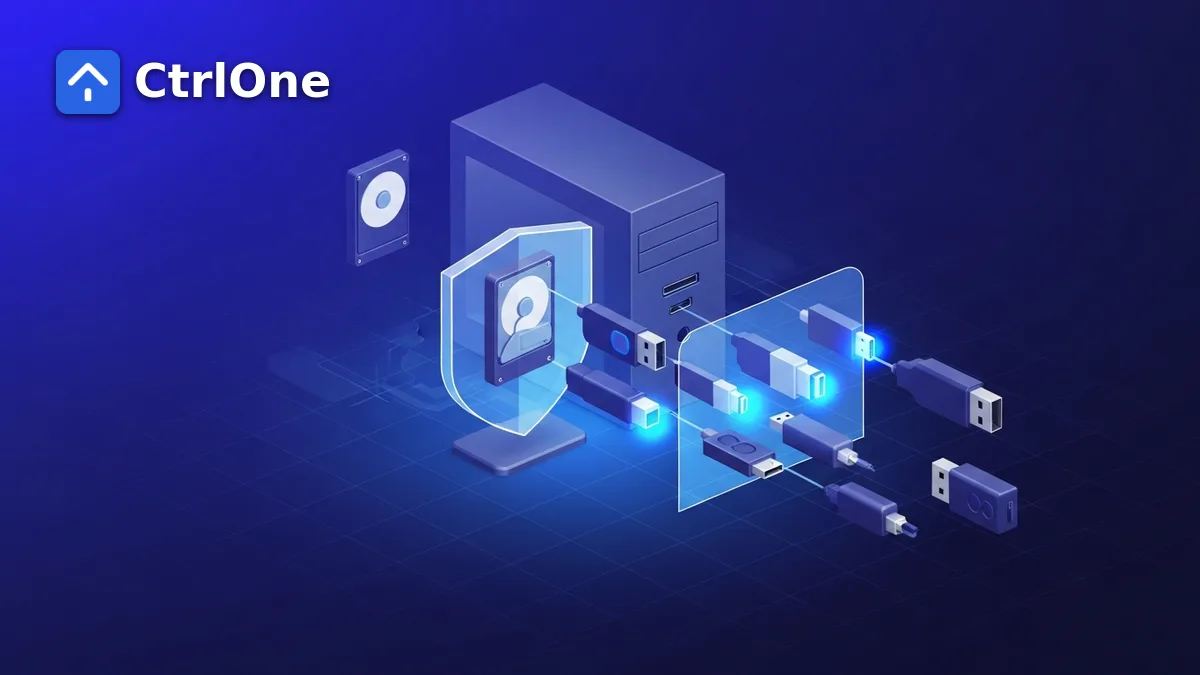
What device control software does
Device control software governs which physical devices are allowed to connect to a company machine - USB flash drives, external hard disks, phones, memory cards, Bluetooth peripherals, and more. Instead of trusting every port to accept anything plugged into it, IT sets a policy: which device classes are permitted, which are blocked, and which are allowed only in read-only mode.
Because the control is enforced through Windows policy rather than by scanning, it applies the instant a device is connected. There is no signature to match and nothing to detect - an unapproved device class simply does not mount.
- Allow, block, or make read-only by device class.
- Enforced at connection time through policy, not by scanning.
- Applied to every machine from one central baseline.
The data-loss gap it closes
The most immediate corporate-security win is stopping quiet data loss. A single USB stick can carry a customer database, source code, or financial records out of the building with no trace. Antivirus watches for malware, not for a permitted employee copying permitted files, so this kind of exfiltration usually goes unseen.
With device control software in place, sensitive machines can be set so removable storage is blocked outright or mounted read-only. Data can be read from approved media but never written to an unapproved drive, closing the easiest offline exfiltration path.
Blocking a common malware entry point
Removable media is also one of the oldest ways malware crosses into an organization. An infected USB drive plugged into a workstation can auto-run payloads or drop malicious files that never touched the network. By controlling which devices can connect at all, device control software removes that entry point before any scanner has to react.
Granular control instead of all-or-nothing
Older approaches simply disabled every USB port, which broke keyboards, mice, and legitimate work. Modern device control software is granular: allow input devices and approved encrypted drives while blocking generic mass storage, or permit a specific class only on certain machines.
- Keep keyboards, mice, and approved peripherals working.
- Block generic mass storage while allowing sanctioned devices.
- Right-size policy per device group - kiosks tightest, staff laptops looser.
Supporting compliance and audit
Frameworks such as HIPAA, SOC 2, and ISO 27001 expect organizations to control and document how data can leave a device. Device control software provides both the enforcement and the record: a defined policy applied fleet-wide, with changes tracked centrally, is far easier to evidence in an audit than ad-hoc per-machine settings.
How CtrlOne delivers device control
CtrlOne includes device control as part of its broader endpoint policy layer. You set which device classes are allowed, blocked, or read-only, apply that baseline across the whole fleet from one console, and keep the agent tamper-resistant so users cannot simply switch the restriction off.
Because it sits alongside hundreds of other named restrictions, device control is one setting among many you can turn on to harden corporate machines - without replacing the antivirus you already run.
- Per-class allow, block, or read-only control.
- One console to apply and confirm policy across every device.
- Tamper-resistant enforcement that survives reboots and offline periods.
Frequently asked questions
What is device control software?
Device control software governs which physical devices - USB drives, external disks, phones, memory cards, and peripherals - are allowed to connect to a company machine, and whether they can be written to. It enforces this through policy rather than by scanning.
How does device control improve corporate security?
It closes the removable-media data-loss path, blocks a common USB-borne malware entry point, and lets IT apply a consistent, auditable policy across the whole fleet - gaps that antivirus alone does not cover.
Does device control block all USB devices?
No. Modern device control is granular: you can keep keyboards, mice, and approved encrypted drives working while blocking generic mass storage, and set different policies per group of machines.
Lock down the ports that matter
See how CtrlOne's device control fits alongside hundreds of named restrictions to harden every corporate machine.