How to Prevent Data Leakage in Windows Environments
By CtrlOne Team ·
When people picture a data breach, they imagine a hacker. In reality, most data leaves an organization through ordinary, authorized actions on a Windows PC: a file dragged onto a USB stick, synced to a personal cloud account, emailed home, or printed and carried out. Data leakage prevention is about closing those everyday channels with policy - so the easy paths for data to escape are simply not available.
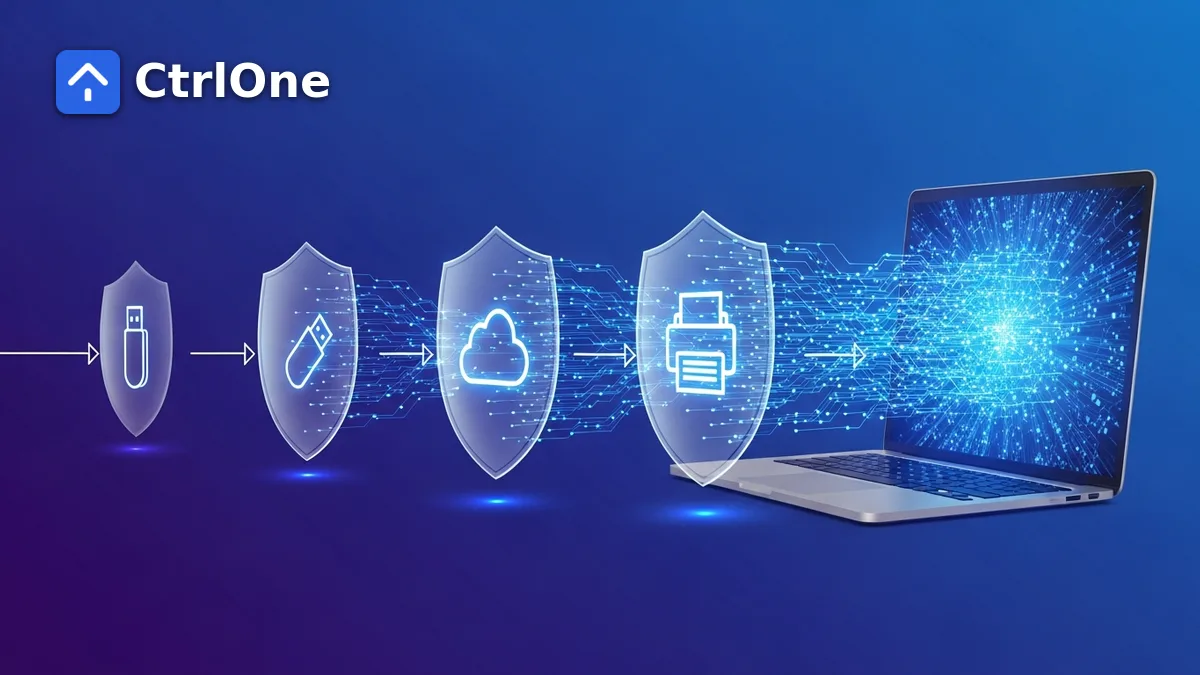
What data leakage looks like in practice
Data leakage is the slow, often unintentional flow of information out of an organization through legitimate channels. It rarely trips an alarm because no rule is obviously broken: an employee is just being productive. That is exactly what makes it hard to catch after the fact and far more effective to prevent up front.
The channels are predictable - removable media, cloud sync, personal email, printing, and unmanaged apps. Closing each one is a manageable, concrete task rather than a vague ambition.
Close the removable-media channel
USB drives are the most direct leak path. Setting removable storage to blocked or read-only on Windows stops company data being written to a drive while still allowing approved devices where they are genuinely needed. For many organizations this single control removes the largest chunk of leakage risk.
Rein in cloud sync and personal storage
Personal cloud accounts - consumer file-sync clients and browser uploads - are the modern equivalent of the USB stick. Restricting which sync applications can run, and controlling what a managed browser is allowed to do, keeps corporate files from quietly landing in personal storage that IT cannot see or revoke.
Control printing and local copies
Print-to-PDF, local screenshots, and paper printouts are easy to overlook, but they move data just as effectively. Where the data is sensitive, limiting printing and controlling local save locations closes another quiet channel, and doing it by policy keeps the rule consistent across every machine.
Reduce local admin and unapproved apps
Much leakage happens through tools users install themselves - remote-access utilities, file-sharing clients, and portable apps. Removing unnecessary local-admin rights and controlling which applications can run shrinks the set of ways data can be moved, and removes the ability to disable the very controls meant to prevent leaks.
- Remove local-admin rights users don't need.
- Control which applications are allowed to run.
- Prevent users from disabling protective settings.
Enforce it fleet-wide and keep it honest
A control that exists on some machines but not others is not really a control. Data leakage prevention works when one policy is applied across every device, confirmed centrally, and enforced by an agent users cannot switch off. That combination turns a list of good intentions into an actual guarantee.
CtrlOne applies these controls - removable-media rules, application control, and hundreds of other named restrictions - from one console, keeps enforcement tamper-resistant, and fails closed when a device goes offline, so the policy holds even away from the network.
- One baseline applied and confirmed across the whole fleet.
- Tamper-resistant enforcement that keeps working offline.
- Prevention first, so leaks never happen rather than get reported.
Frequently asked questions
What is data leakage prevention?
Data leakage prevention is the practice of closing the channels through which data leaves an organization - USB drives, cloud sync, email, printing, and unmanaged apps - usually through policy that blocks or limits those actions rather than detecting them afterwards.
How is data leakage different from a data breach?
A breach is typically an external attacker forcing their way in. Data leakage is the slow, often accidental outflow of information through legitimate channels by authorized users. Prevention focuses on removing the easy paths for data to escape.
Can you prevent data leakage without blocking real work?
Yes. Modern controls are granular - read-only USB, approved-app lists, and per-group policies - so you can close the risky paths while leaving the tools people genuinely need in place.
Close the paths data leaks through
See how CtrlOne's policy controls stop data leakage across USB, apps, and more - from one console, across every device.