Why Zero Trust Security Matters for SMBs
By CtrlOne Team ·
Zero trust has a reputation as a sprawling enterprise program with a matching budget. But strip away the jargon and the idea is simple: never assume a user, device, or action is safe just because it is inside your network - verify, and grant only the access that is actually needed. For small and mid-sized businesses, that mindset is not a luxury. It is the most cost-effective way to blunt the attacks SMBs are most likely to face, and it starts at the endpoint.
What zero trust actually means
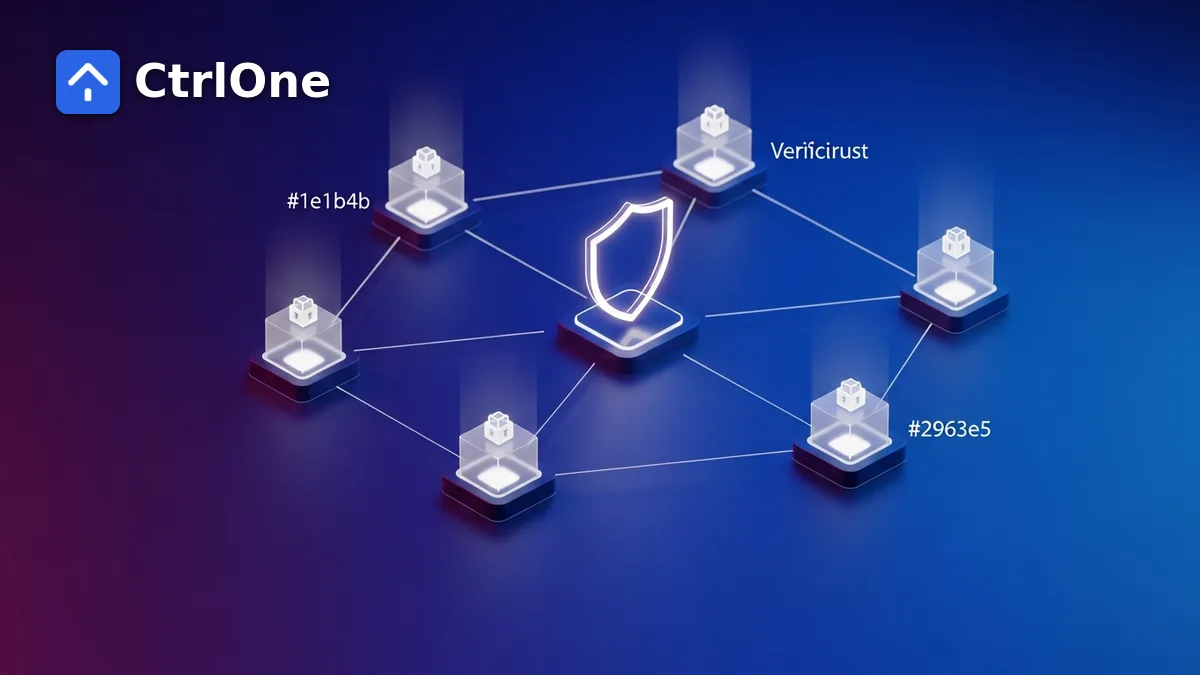
Zero trust replaces the old 'trusted inside, untrusted outside' model with a single rule: trust nothing by default. Every user, device, and request is treated as potentially compromised, so access is verified and kept to the minimum required. If something is breached, the damage is contained because nothing had blanket permission in the first place.
You do not need every zero-trust product to adopt the principle. The highest-value pieces - least privilege and assume-breach containment - can be applied directly to the devices your team already uses.
Why SMBs are prime targets
Attackers know smaller organizations often run lean on security. The result is that SMBs are targeted precisely because they are assumed to be softer - flat networks, shared admin accounts, and endpoints configured once and forgotten. Zero trust directly counters those weaknesses without requiring an enterprise-sized team.
Zero trust starts at the endpoint
The device is where users log in, click links, and plug in drives - so it is where zero-trust principles have the most immediate effect. Treating each endpoint as untrusted means deciding exactly what it is allowed to do, rather than assuming a device on the network can be left wide open.
Least privilege in practice
The single biggest zero-trust win for an SMB is removing standing privilege. Most users do not need to be local administrators, install arbitrary software, or change security settings. Taking those rights away means a compromised account inherits far less power - and a mistake causes far less damage.
- Remove local-admin rights from everyday accounts.
- Control which applications are allowed to run.
- Grant elevated access only when and where it is needed.
Assume breach: contain the blast radius
Zero trust assumes something will eventually get through, and focuses on limiting what happens next. Locking down removable media, restricting risky actions, and preventing users from disabling security tools all shrink the blast radius so a single compromised endpoint cannot become a fleet-wide incident.
Applying zero trust on a small-team budget
SMBs succeed with zero trust by applying its principles through the tools they already have, consistently, rather than buying a stack they cannot staff. A single policy layer that enforces least privilege and contains breaches across every device delivers most of the benefit at a fraction of the effort.
CtrlOne gives small teams that layer: least-privilege and containment controls from hundreds of named restrictions, applied and confirmed across the whole fleet from one console, with tamper-resistant enforcement that keeps working even when a device is offline.
- Enforce least privilege and containment from one console.
- Apply a consistent baseline to every device, online or offline.
- Keep controls tamper-resistant so they cannot be switched off.
Frequently asked questions
What is zero trust endpoint security?
Zero trust endpoint security applies the 'never trust, always verify' principle to devices: each endpoint is treated as potentially compromised, so it is granted only the access it needs and prevented from taking risky actions, limiting damage if it is breached.
Is zero trust only for large enterprises?
No. The core ideas - least privilege and assume-breach containment - are especially valuable for SMBs, which are frequently targeted and can apply these principles through tools they already run, without an enterprise budget.
How can an SMB start with zero trust?
Begin at the endpoint: remove unnecessary local-admin rights, control which applications can run, lock down removable media, and prevent users from disabling security tools. Apply the same baseline consistently across every device.
Zero trust, sized for your team
See how CtrlOne applies least-privilege and containment controls across every device - no enterprise budget required.