Device Control Software for Windows
CtrlOne gives you precise control over every peripheral on your Windows fleet. Decide which USB devices, cameras, microphones, radios, and drives are allowed, then enforce those decisions from one web console - consistently across hundreds of PCs and even when a machine is offline.
What is device control?
Device control is the discipline of governing which hardware peripherals are allowed to connect to and operate on a managed computer. Uncontrolled ports and radios are a direct path for data to leave an organization and for unauthorized hardware to come in. A thumb drive copies gigabytes in seconds, a webcam captures a sensitive screen, a Bluetooth link bridges a locked workstation to a personal phone, and an optical burner writes records onto a disc that walks out in a pocket. Effective device control closes those paths deliberately, without breaking the keyboards, mice, and printers people legitimately need to do their jobs.
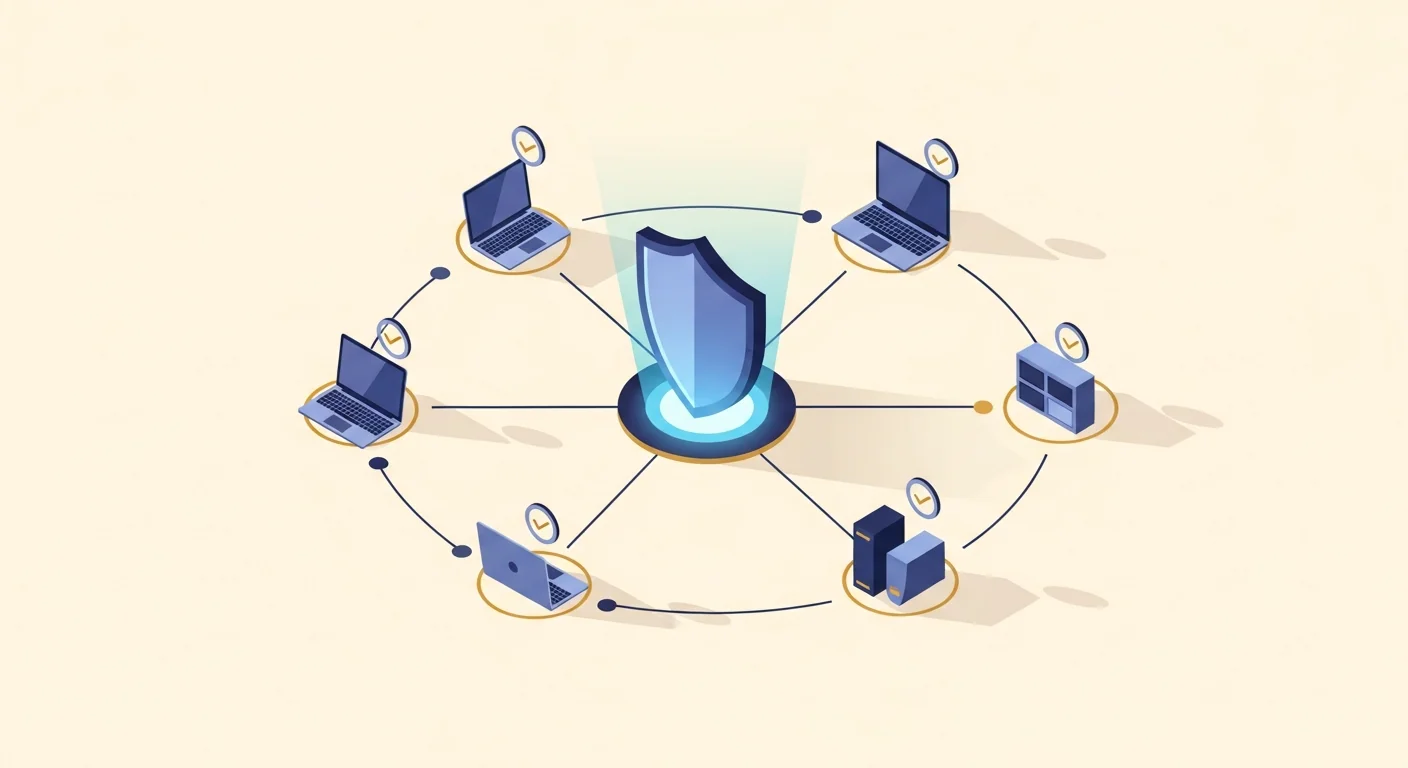
CtrlOne treats every port, radio, and removable-media channel as a policy you set centrally instead of a switch a user can flip. A lightweight, tamper-proof agent runs as a protected system service on each Windows 10 and Windows 11 PC and checks in with the web console at ctrlone.online about every 30 seconds. From that console you decide the state of USB storage and individual device classes, cameras, Bluetooth, microphones, the audio stack, printers, and optical drives, then push those decisions to hundreds of machines at once. There is no walking the floor, no per-machine registry surgery, and no scripts to babysit - you change a policy and every enrolled device converges on it at the next check-in.
Because enforcement lives in the agent rather than a one-time settings change, your hardware policy holds wherever the device goes. If a laptop leaves the corporate network and stays offline past a window you configure, it applies fail-closed protection so peripherals cannot be quietly re-enabled off-network. Every change is written to a tamper-evident, hash-chained audit log, and policies are versioned with one-click rollback so tightening the ruleset is never a leap of faith. That combination of granular hardware control, durable enforcement, and clean auditing is what turns a handful of scattered Windows toggles into a genuine device-control program.
Why control devices with CtrlOne
- Stop data exfiltration - Block or restrict USB mass storage, phones in MTP mode, and optical burning so files can't be copied off a managed PC through removable media, whether by a careless user or a malicious insider.
- Keep useful peripherals working - Per-class control lets you allow keyboards, mice, and printers while blocking storage, cameras, and HID. Lockdown never has to mean a dead USB port or a support ticket for every accessory.
- Silence eyes and ears - Force the camera and microphone privacy switches off for every Win32 and UWP app, so no software - including Teams, Zoom, or a browser - can capture video or record audio on a secured endpoint.
- Cut wireless side channels - Disable Bluetooth radios and the underlying services to remove an easy bridge between a corporate workstation and a personal phone, headset, or unmanaged accessory.
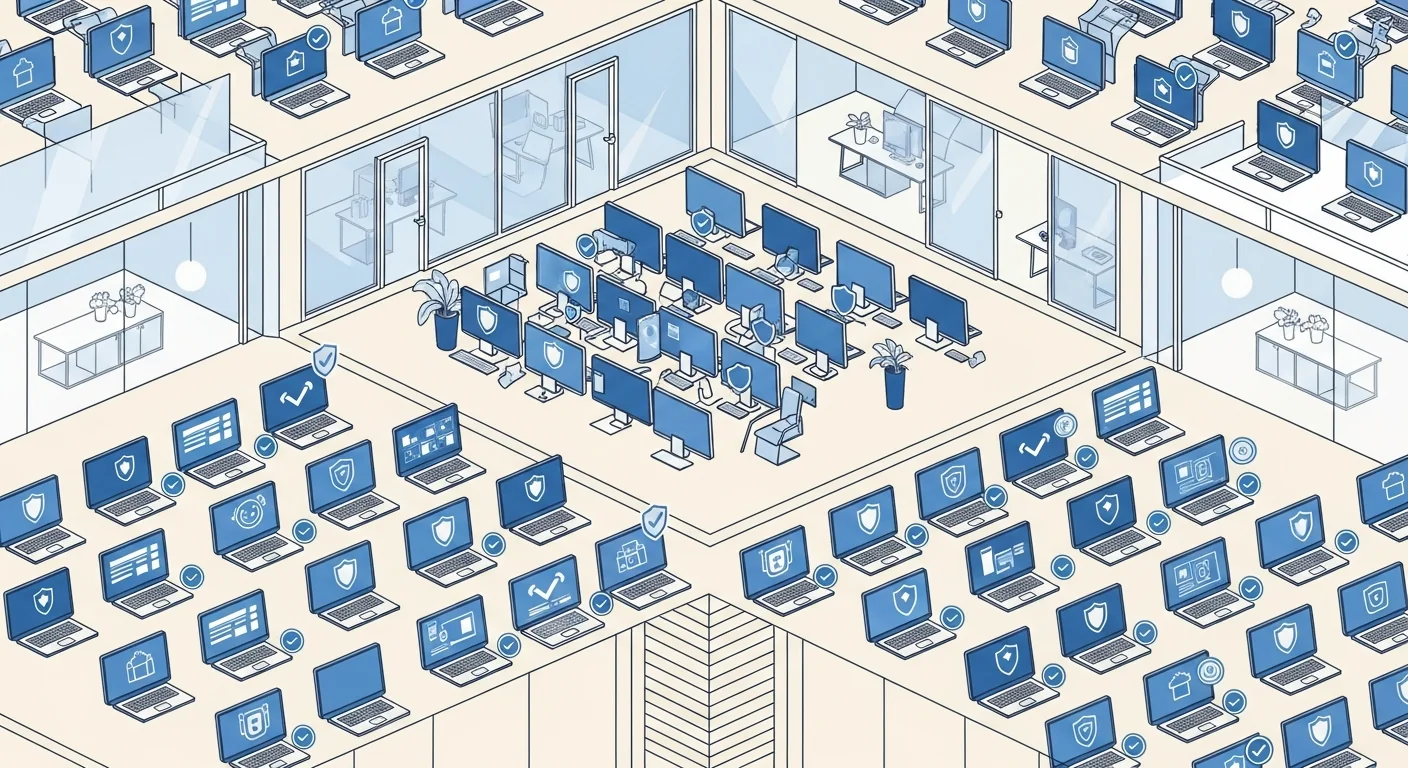
- One console for the fleet - Set peripheral policy once and push it to hundreds of Windows PCs from any browser instead of visiting machines or hand-editing settings, then reuse it through templates on new devices.
- Enforcement that survives offline - The tamper-proof agent keeps hardware locks in place and fails closed after a configurable offline window, so protection doesn't drift open the moment a laptop leaves the building.
Device control features
- USB storage lockdown - Set mass storage to off, read-only, or fully blocked. Read-only stops writes to mounted volumes so nothing can be copied out; block keeps new sticks from mounting at all.
- USB device-class allow / deny - Allow keyboards, mice, and printers while denying storage, cameras, MTP, network adapters, or HID. The rule is applied before the device enumerates, so an unauthorized class never comes online.
- Camera control - Force the Windows camera privacy switch off for all Win32 and UWP apps so no application, including Teams, Zoom, or a browser, can capture video from a managed endpoint.
- Microphone & audio control - Force the microphone off for every app and, when needed, disable the entire Windows audio stack at the service level to stop recording and playback on locked-down machines.
- Bluetooth control - Stop the core Bluetooth services and disable paired radios via PnP so there is no pairing, file transfer, or peripheral connection over the wireless link.
- Optical drive & burning blocks - Block DVD/CD access and disc burning so data can't be written out to removable optical media from a managed workstation.
- Printer & device visibility - Hide Devices and Printers from Control Panel and the Settings app so users can't add, remove, or reconfigure printers, scanners, or paired devices behind IT's back.
- Auto-scheduled hardware windows - Use the auto-scheduler to apply and lift peripheral restrictions on a daily time window automatically, matching shifts or class periods with no manual touch.
Who uses CtrlOne device control
- Data-sensitive offices - Prevent removable-media leaks on finance, legal, and R&D workstations while keeping approved keyboards, mice, and printers fully usable for daily work.
- Healthcare providers - Lock cameras, microphones, and USB storage on clinical workstations to protect patient data, and pull HIPAA evidence packs when compliance requires proof.
- Call centers & BPOs - Silence cameras and mics and block thumb drives on shared agent PCs so customer data can't be photographed, recorded, or copied out during a shift.
- Manufacturing & labs - Keep shop-floor and lab machines to a fixed, known set of peripherals and block unauthorized devices from ever enumerating on sensitive equipment.
- Schools & shared PCs - Stop students from plugging in personal storage or capturing screens on library, lab, and classroom computers while approved input devices keep working.
CtrlOne vs manual peripheral settings
| Capability | CtrlOne | Windows built-in settings |
|---|---|---|
| Central web console | Yes - set policy for the whole fleet | Per-machine settings screens |
| Per-class USB control | Allow input devices, deny storage and cameras | Coarse, mostly all-or-nothing |
| Read-only USB mode | One toggle, applied to mounted volumes | Registry edits per device |
| Camera & mic lockdown | Forced off for all apps, fleet-wide | User-flippable per device |
| Bluetooth shutdown | Services stopped and radios disabled | User can re-enable in Settings |
| Offline enforcement | Fail-closed after a set window | None once off-network |
| Tamper resistance | Protected agent blocks disable vectors | Admin users can revert |
Device control FAQs
Can I block USB storage but still allow a keyboard and mouse?
Yes. Per-class allow/deny lets you permit keyboards, mice, and printers while blocking storage, cameras, MTP phones, network adapters, or HID. The rule applies before the device enumerates, so approved input devices keep working while blocked classes never come online.
Does blocking cameras and microphones affect all apps?
Yes. CtrlOne forces the Windows camera and microphone privacy switches off for both Win32 and UWP apps, so no application - including Teams, Zoom, or a browser - can capture video or record audio while the policy is in place.
Can users still charge a phone over USB if storage is blocked?
Charge-only power delivery is unaffected when you block storage and MTP. The phone simply won't enumerate as a data device, so no files can transfer in either direction while it charges.
What is the difference between read-only and blocked USB storage?
Read-only lets a drive mount but prevents writes so nothing can be copied to it, which is useful when people still need to read from approved media. Block keeps new mass-storage devices from mounting at all.
Does device control keep working when a laptop is offline?
Yes. Enforcement lives in the tamper-proof agent, and after a configurable offline window it applies fail-closed protection so peripheral locks can't be left open just because the machine left the network.
Which Windows versions are supported?
CtrlOne manages Windows 10 and Windows 11 desktops and laptops through the same web console and agent. For fully offline networks, an on-premise LAN server option is also available.
Lock down peripherals across your Windows fleet
See how CtrlOne controls USB, cameras, Bluetooth, microphones, and drives from one web console with tamper-proof, offline enforcement. Explore the full feature catalogue or get in touch for a walkthrough.