Windows Lockdown Software
CtrlOne is Windows lockdown software that lets you decide exactly what a PC can and cannot do. Restrict apps, USB, browsing, settings, and the desktop from one web console, and rely on a tamper-proof agent to keep those rules in place - on the network or off it.
What is Windows lockdown software?
Locking down Windows means removing the parts of the system a given user does not need and could misuse. On an open PC, anyone can install programs, change security settings, plug in a drive and copy data out, disable protection, or wander into system tools that break the machine. Lockdown software closes those doors selectively - it keeps the tools and apps people need for their work reachable while switching off the surfaces that lead to data loss, tampering, downtime, or support tickets.
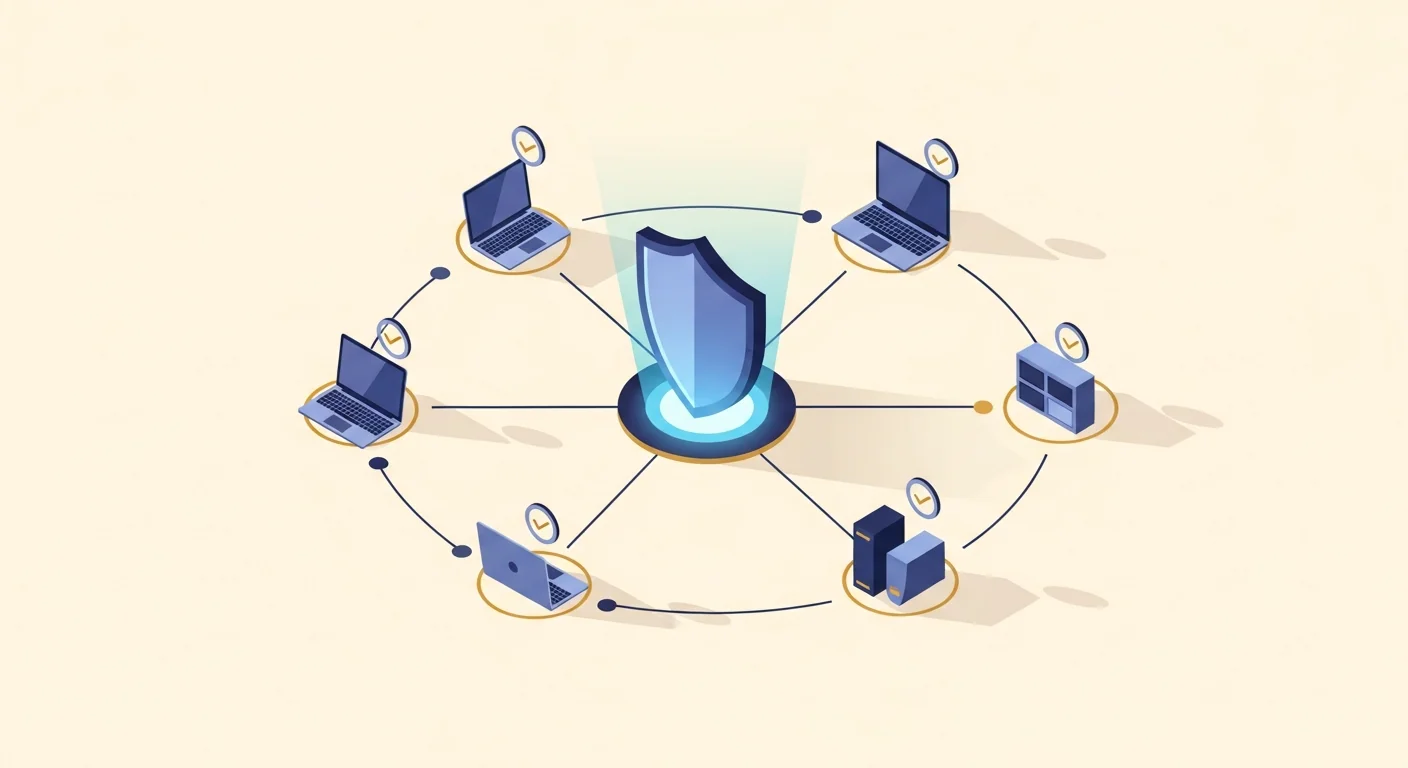
CtrlOne turns that lockdown into a central policy rather than a pile of manual tweaks. A lightweight, tamper-proof agent runs as a protected system service on every Windows 10 and Windows 11 PC and checks in about every 30 seconds. From a browser you decide which applications can launch, whether USB storage is off, read-only, or blocked, which websites are allowed, and whether Settings, the Control Panel, Task Manager, Run, and the registry editor are reachable. Curated templates - Kiosk Lockdown, Office Baseline, and Lab / Classroom - give you a hardened starting point, and you tune each restriction from there.
Crucially, the lockdown does not depend on a domain, a login script, or the Group Policy Editor. CtrlOne works on standalone and domain-joined machines and uses registry-based policy, so it enforces on Windows Home and Pro where gpedit is missing, not just Enterprise. Enforcement lives in the agent, so rules hold offline and fail closed after a configurable window, and every policy is versioned with one-click rollback and written to a tamper-evident audit log. CtrlOne enforces through Windows policy and service control only - it never renames executables, deletes app files, or patches binaries.
Why lock down Windows with CtrlOne
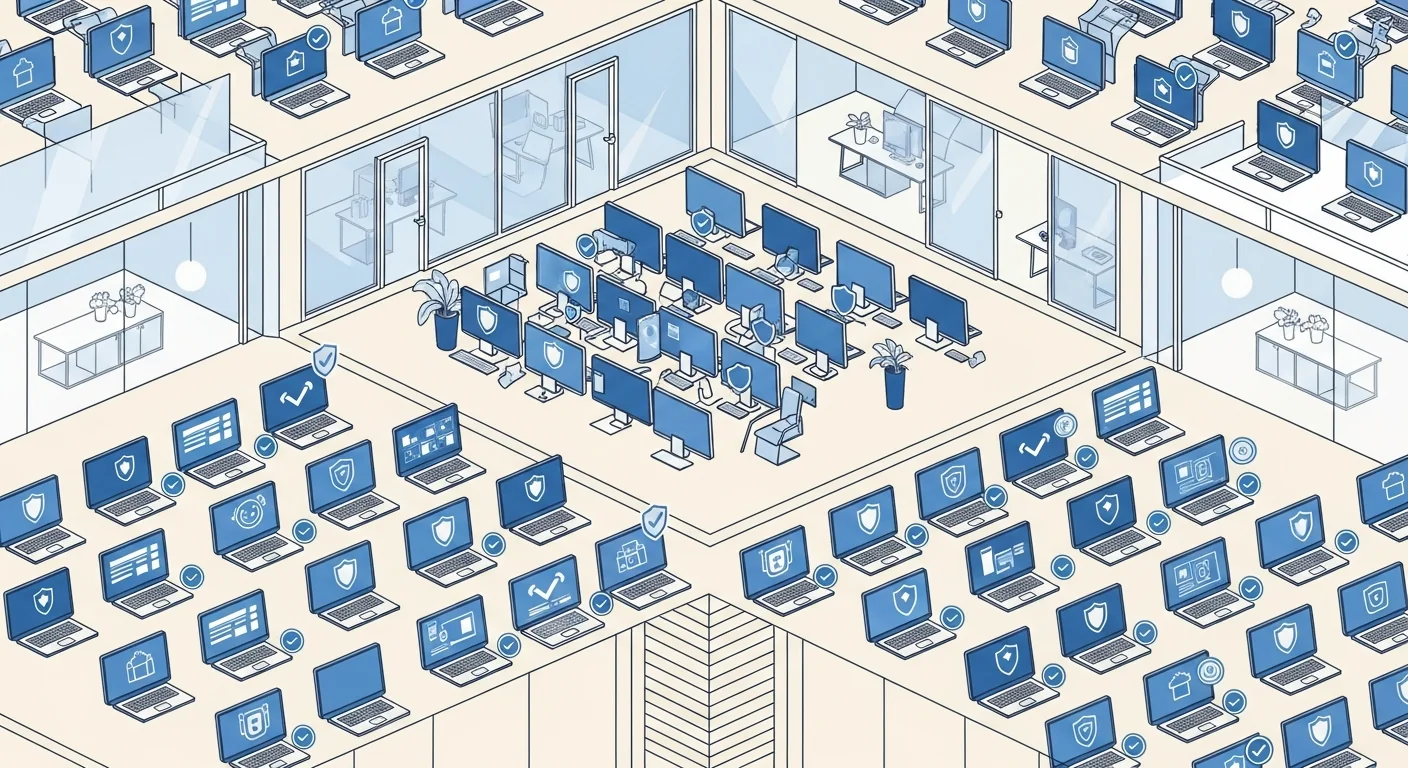
- One console, whole fleet - Set a lockdown policy once and push it to hundreds of Windows PCs from any browser, with no per-machine registry edits to babysit and no domain controller required.
- Lock what you want, keep what you need - Restrict apps, USB, browsing, settings, and the desktop independently, so you can tighten exactly the right surfaces without turning a working PC into a useless one.
- Works on Home and Pro - Registry-based policy enforces on every Windows edition, including Home and Pro where the Group Policy Editor is missing, so you are not forced up to Enterprise to lock a machine down.
- Tamper-proof by design - The protected agent blocks documented disable vectors and re-applies policy on startup, so a local user cannot simply switch the lockdown off or reboot their way out of it.
- Enforces offline - Because rules live on the device, they hold when a laptop is off the network and fail closed after a configurable window, unlike domain policy that only refreshes back on the LAN.
- Templates to start fast - Kiosk Lockdown, Office Baseline, and Lab / Classroom templates give you a hardened baseline in one click, so you are tuning a policy rather than building one from scratch.
- Versioned and auditable - Every change is snapshotted with one-click rollback and recorded in a tamper-evident log, so you can prove what a PC allows and undo a bad change instantly.
Windows lockdown features
- Application launch control - Block the apps people should not run - or lock a machine to an approved set - using layered enforcement that covers every Windows edition, not just those with AppLocker.
- USB and removable media control - Set USB storage to off, read-only, or blocked and allow or deny device classes, so you close the thumb-drive leak while keeping keyboards, mice, and printers working.
- Browser and web restrictions - Restrict browsing to approved sites, block categories of content, and stop risky downloads across Chromium browsers from the same central policy.
- Settings and system tools off - Disable Settings, the Control Panel, Task Manager, Run, and the registry editor so users cannot change configuration or reach system internals.
- Desktop and shell lockdown - Hide desktop icons, lock the taskbar, and disable right-click menus to keep the working environment fixed and predictable.
- Auto-scheduled rules - Apply and lift restrictions on a daily timetable with the auto-scheduler, matching shifts, class periods, opening hours, or after-hours lockdown.
- Curated lockdown templates - Deploy Kiosk Lockdown, Office Baseline, or Lab / Classroom bundles in one click, then version them and roll back with a single action if a change causes trouble.
- Offline fail-closed enforcement - Set how long a device may run offline before the agent hardens automatically, so an unplugged or stolen laptop does not become an open PC.
Who locks down Windows with CtrlOne
- IT & security teams - Enforce a consistent hardened baseline across every managed PC without scripting or a domain, and prove the configuration with a tamper-evident log.
- Schools & training labs - Keep shared lab and classroom PCs on task by blocking games, settings, and USB while allowing the tools a lesson needs.
- Frontline & shared workstations - Lock reception, warehouse, and shop-floor machines to their jobs so shared users cannot install software or change configuration.
- Small businesses without IT - Get enterprise-style lockdown on Windows Home and Pro from a simple web console, with no domain, server, or Group Policy expertise required.
- Regulated & sensitive teams - Reduce insider risk on finance, legal, and healthcare workstations by restricting USB, apps, and browsing while keeping daily work flowing.
CtrlOne vs manual lockdown and Group Policy
| Capability | CtrlOne | Manual lockdown / GPO |
|---|---|---|
| Central web console | Yes - one policy for the fleet | GPMC plus domain join, or per-PC edits |
| Works on Home & Pro | Registry policy on every edition | gpedit missing on Home |
| Breadth of controls | Apps, USB, web, settings, shell in one place | Scattered across GPOs and registry |
| Tamper resistance | Protected agent, re-applies on boot | Local admin can edit or revert |
| Offline enforcement | Holds offline, fails closed | No refresh until back on domain |
| Rollback | Versioned, one-click | Manual GPO history at best |
| Scheduling | Built-in auto-scheduler | Requires scripting or task setup |
Windows lockdown software FAQs
What exactly can I lock down?
You can restrict which applications launch, set USB storage to off, read-only, or blocked, limit browsing to approved sites, and disable Settings, the Control Panel, Task Manager, Run, the registry editor, and desktop or taskbar changes. Each restriction is independent, so you lock only the surfaces you choose.
Does it work without a domain or Active Directory?
Yes. CtrlOne works on standalone and domain-joined PCs and does not need Active Directory, a server, or the Group Policy Editor. It uses registry-based policy pushed by the agent, so a small business with workgroup machines gets the same lockdown as a domain environment.
Can users turn the lockdown off?
No. The agent runs as a protected system service, blocks documented disable vectors, and re-applies policy on startup, so a standard user - and even a local admin poking at the registry - cannot quietly remove the restrictions.
Will lockdown still apply on a laptop off the network?
Yes. Enforcement lives on the device, so restrictions hold offline and the agent fails closed after a configurable offline window. A laptop that leaves the office does not become an unlocked PC.
How is this different from Group Policy?
Group Policy needs a domain and the Group Policy Editor, refreshes only on the network, and can be reverted by a local admin. CtrlOne gives you a central web console that works on Home and Pro, enforces offline through a tamper-proof agent, and versions every change with one-click rollback.
How fast does a policy change reach devices?
Changes are queued in the console and picked up on the next agent check-in, typically within about 30 seconds, so tightening or relaxing a lockdown across the fleet takes effect almost immediately.
Lock down Windows exactly the way you need
See how CtrlOne restricts apps, USB, browsing, and settings from one console and keeps them enforced offline by a tamper-proof agent. Explore the full feature catalogue or get in touch for a walkthrough.