Internet Cafe Lockdown
CtrlOne locks down internet cafe and gaming-cafe PCs so customers get a clean, safe machine every session. Restrict apps and settings, control USB and browsing, and schedule lockdown - all from one web console, enforced by a tamper-proof agent.
What is internet cafe lockdown?
An internet cafe or gaming cafe puts a Windows PC in front of a stream of paying strangers. Each customer expects a working machine, and the operator needs that machine to survive the session untouched - no installed junk, no changed settings, no data left behind, no route into the system itself. Internet cafe lockdown is the set of controls that keeps a public-use PC narrow and predictable: the customer can do what the cafe offers and nothing that would harm the machine, the network, or the next customer.
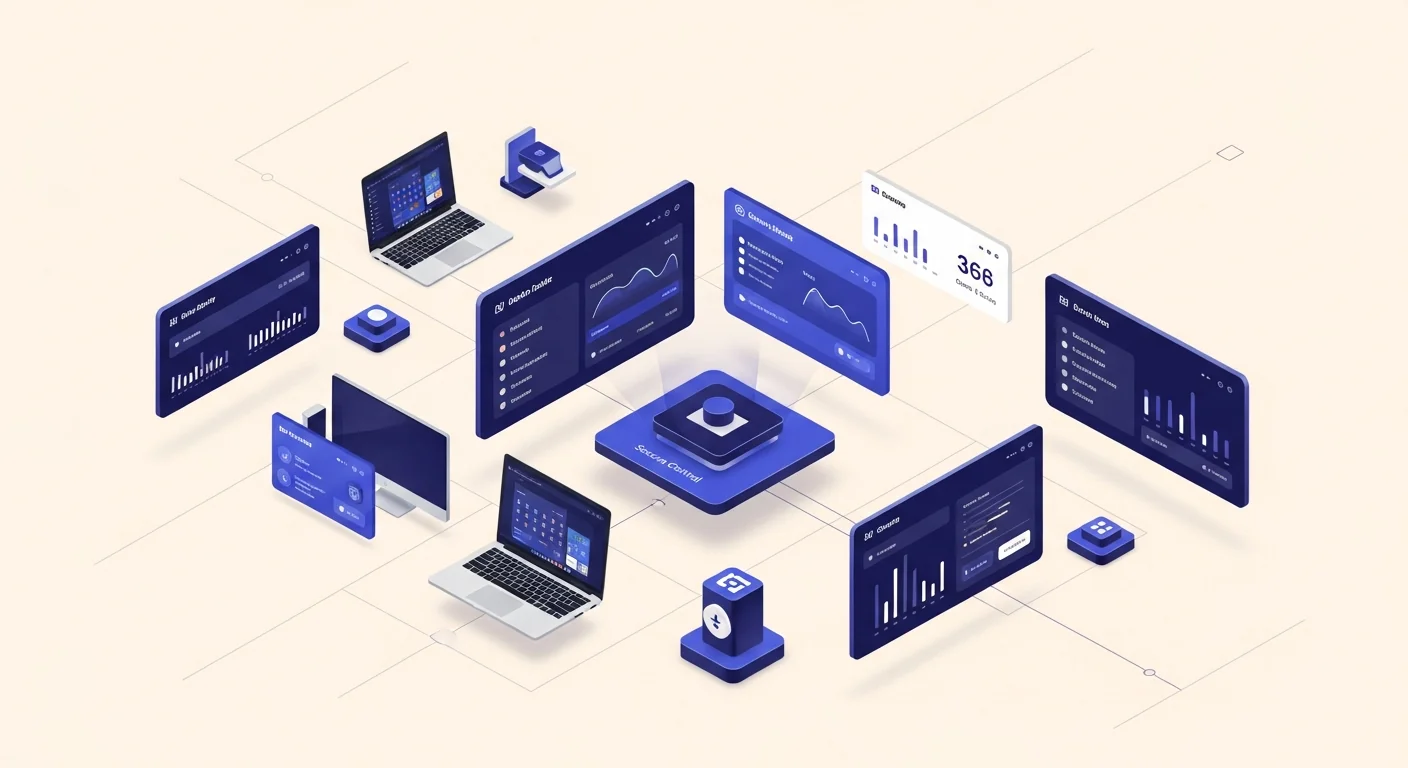
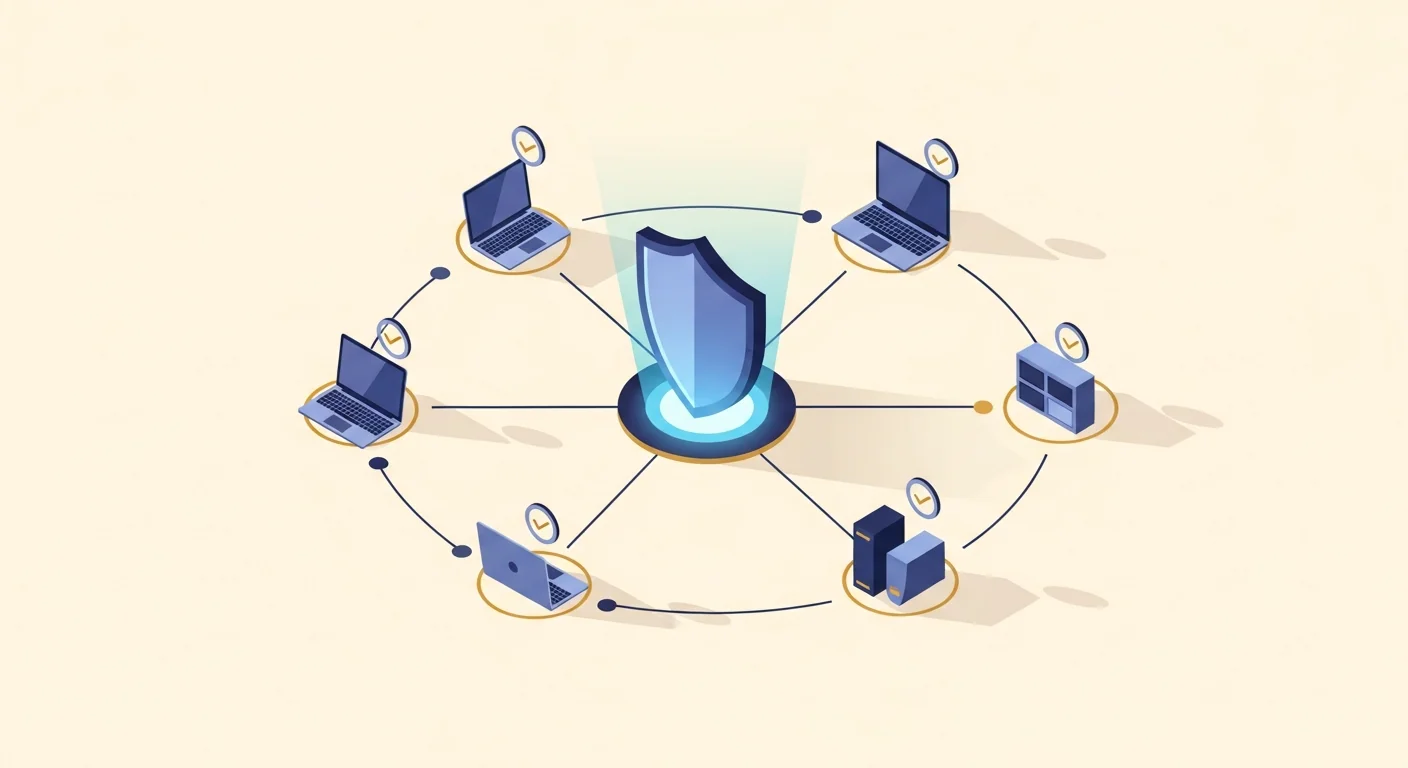
CtrlOne provides that lockdown as a central policy. A lightweight, tamper-proof agent runs as a protected system service on every Windows 10 and Windows 11 PC and checks in about every 30 seconds. From a browser you restrict which applications can run, lock Settings, the Control Panel, Task Manager, and the registry editor, control USB storage, and limit browsing so a public terminal cannot be turned into a launchpad for abuse. The Kiosk Lockdown template gives you a hardened public-use baseline in one click that you can tune for a browsing station or a gaming rig.
Because enforcement lives in the agent, the lockdown holds when a device is offline and fails closed after a configurable window, and the protected service blocks documented disable vectors so a customer cannot switch controls off or reboot their way past them. The auto-scheduler can open and lock machines on a daily timetable to match trading hours, policies are versioned with one-click rollback, and every change is written to a tamper-evident audit log. CtrlOne enforces through Windows policy and service control only - it never renames executables or deletes files - so a cafe PC stays a full Windows machine within the limits you set.
Why lock down cafe PCs with CtrlOne
- A clean machine every session - Hold a fixed policy so each customer gets the same clean, working PC and one person's changes do not carry into the next session.
- No installs, no tampering - Restrict which apps can run and lock the settings and system tools so customers cannot install software or reconfigure a public machine.
- Control the browsing - Limit browsing to approved destinations and block downloads so a public terminal is not used to pull risky files or reach abusive content.
- Stop data left behind - Set USB storage to off, read-only, or blocked so customers cannot copy files onto personal drives or leave data on the machine through the port.
- Open and lock by the clock - The auto-scheduler unlocks and hard-locks machines on a daily timetable to match your trading hours, with no one flipping switches.
- Customers cannot break out - The protected agent blocks documented disable vectors and re-applies policy on startup, so a reboot brings the PC back up still locked.
- Manage the whole floor from one place - Push a policy to every machine on the floor from a browser, with no per-machine edits and no domain required.
Internet cafe lockdown features
- Application launch control - Restrict cafe machines to the apps and games you offer and block everything else, using layered enforcement that works on every Windows edition.
- Settings and system-tool lockdown - Disable Settings, the Control Panel, Task Manager, Run, and the registry editor so customers cannot reconfigure a public PC.
- Browsing restrictions - Limit browsing to approved sites, block downloads, and stop extension installs so a terminal is not turned into a path for abuse.
- USB storage control - Set removable storage to off, read-only, or blocked so customers cannot copy data out or leave files behind through the USB port.
- Scheduled open and lock hours - The auto-scheduler applies and lifts lockdown on a daily timetable so the floor follows your trading hours automatically.
- Kiosk Lockdown template - Apply a hardened public-use baseline in one click, then tune it for a browsing station or a gaming rig.
- Tamper-proof re-apply - The agent restores the lockdown on reboot and after tamper attempts, so a customer cannot free the machine by restarting it.
- Versioned and audited - Every policy change snapshots the prior state for one-click rollback and is written to a tamper-evident audit log.
Where CtrlOne cafe lockdown fits
- Internet & browsing cafes - Lock browsing terminals to approved sites and apps, block downloads and USB, and reset to a clean policy between customers.
- Gaming cafes & LAN centers - Restrict rigs to the games and launchers you offer while blocking installs, settings changes, and data-out through USB.
- Print & copy shops - Keep self-service PCs focused on the task, block risky downloads, and stop customer files being left behind on the machine.
- Hotel & hostel guest PCs - Offer guests a safe browsing machine that stays clean and private between users without staff reconfiguring it.
- Coworking drop-in terminals - Provide shared drop-in PCs that hold a consistent, protected policy no matter who sits down at them.
CtrlOne vs manual cafe PC setup
| Capability | CtrlOne | Manual cafe setup |
|---|---|---|
| Central web console | Yes - one policy for the whole floor | Per-machine manual configuration |
| Clean between customers | Policy re-applied every session | Drifts and needs reimaging |
| Scheduled lockdown | Auto-scheduler by trading hours | Staff lock and unlock by hand |
| USB data control | Off, read-only, or block | Often left open |
| Tamper resistance | Protected agent, re-applies on boot | Customer can reconfigure or reboot out |
| Offline enforcement | Holds offline, fails closed | Depends on local setup |
| Rollback & audit | Versioned, one-click, logged | Manual, no record |
Internet cafe lockdown FAQs
How does CtrlOne keep a cafe PC clean between customers?
The agent holds and re-applies the assigned policy, so whatever a customer does within a session, the machine's restrictions stay in place and the next customer gets the same clean, locked setup. You manage that policy for the whole floor from one console.
Can I stop customers installing games or software?
Yes. Application control restricts cafe machines to the apps and games you offer and blocks everything else, using layered enforcement that works on Home and Pro as well as Enterprise and Education.
Can I open and lock machines automatically by the hour?
Yes. The auto-scheduler applies and lifts lockdown on a daily timetable to match your trading hours, so machines open for business and lock afterwards without staff flipping switches.
Can a customer break out by rebooting the PC?
No. The tamper-proof agent re-applies the lockdown on startup and blocks documented disable vectors, so a reboot brings the machine back up still locked rather than opening a way out.
Can I stop customers copying data to USB drives?
Yes. You can set USB storage to off, read-only, or blocked so customers cannot copy files onto personal drives or leave data behind through the USB port, while keyboards and mice keep working.
Do I need a domain or server to run this?
No. CtrlOne works on standalone Windows PCs with no Active Directory or Group Policy Editor required, so a cafe can manage its whole floor from one web console.
Lock down your cafe floor from one console
See how CtrlOne keeps internet and gaming cafe PCs clean between customers, schedules lockdown to trading hours, and stays enforced by a tamper-proof agent. Explore the full feature catalogue or get in touch for a walkthrough.